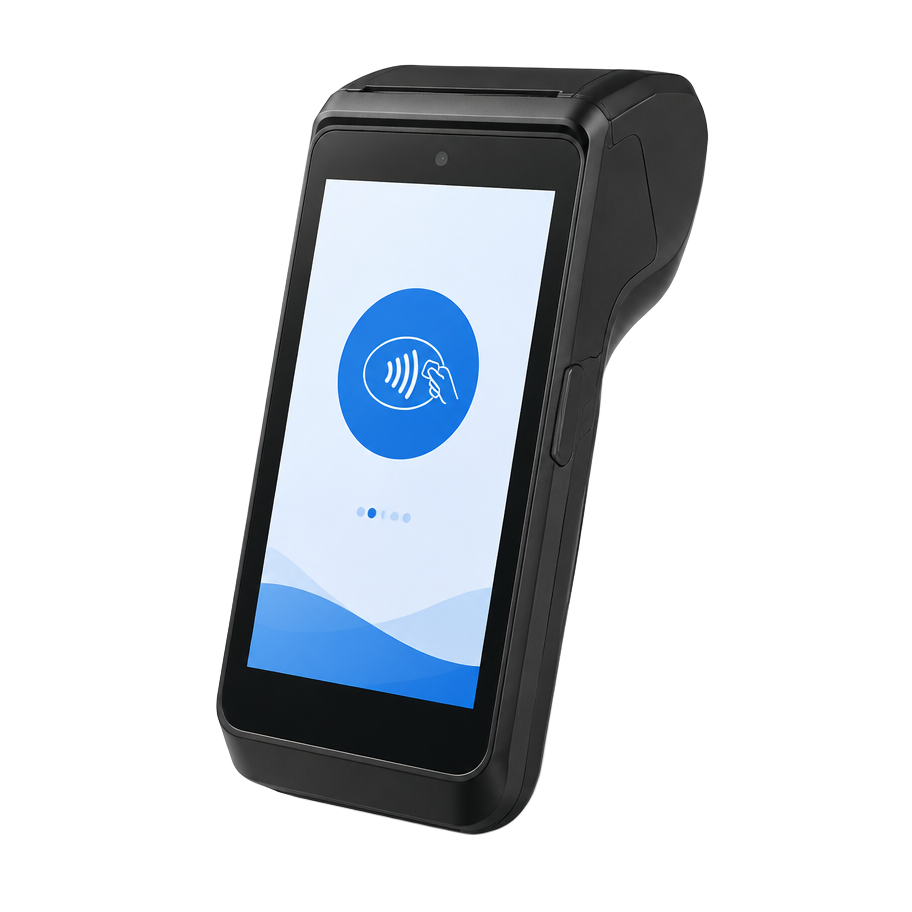
BBPOS WisePOS E
$249
Customer-facing touchscreen reader for a counter or handheld checkout.
Wi-Fi · optional Ethernet dock
View sourceCustom-scoped in-person systems
We can build the ordering, kitchen, delivery, inventory, and reporting workflow first. Hardware and live Stripe processing are scoped, approved, connected, and tested separately before activation.
Restaurant setup
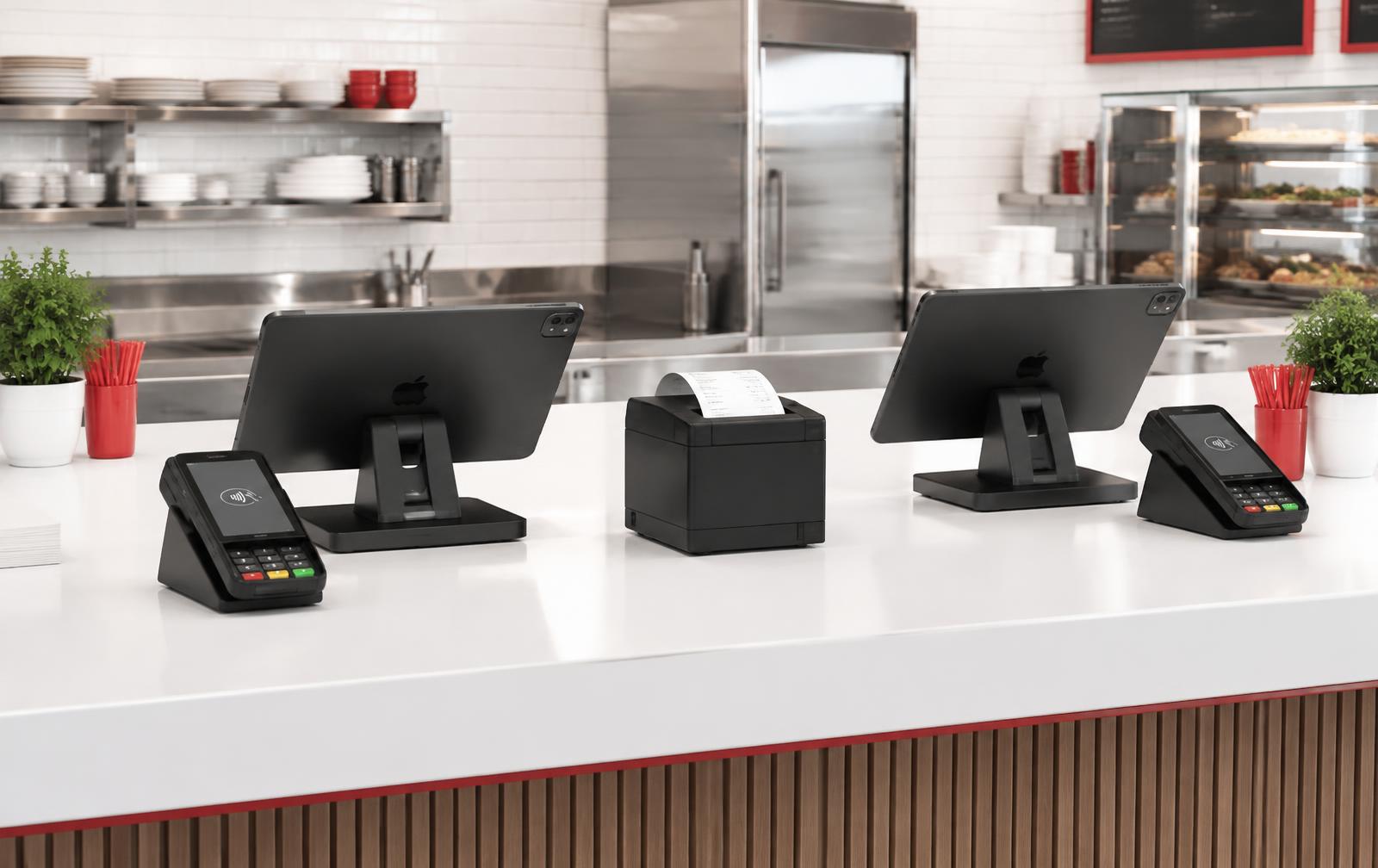
Take pickup and in-house delivery orders online, enter an order at either checkout iPad, or send it from the customer’s table on a staff phone. Staff phones only take the order and send it straight to the kitchen queue — the order isn’t paid for on the phone. Checkout and card payment happen at the counter reader. Menus, modifiers, taxes and order status stay consistent.
Try the workflow
Staff enters an order, the customer pays on the required reader, and the kitchen receives the ticket.
Step 1
Staff enters two burgers and fries from a phone or counter screen.
Step 2
The customer completes payment on the required customer-facing reader.
Step 3
The paid ticket reaches one kitchen queue and staff begins preparation.
Step 4
Kitchen staff marks the ticket ready and the customer-facing status updates.
Kitchen queue · Order 1042
2 burgers · 1 fries
Kitchen status: Waiting for payment
Customer status
Order started
This updates alongside the kitchen ticket.
Demo only
No real charge, text, or order is created.
Live order flow
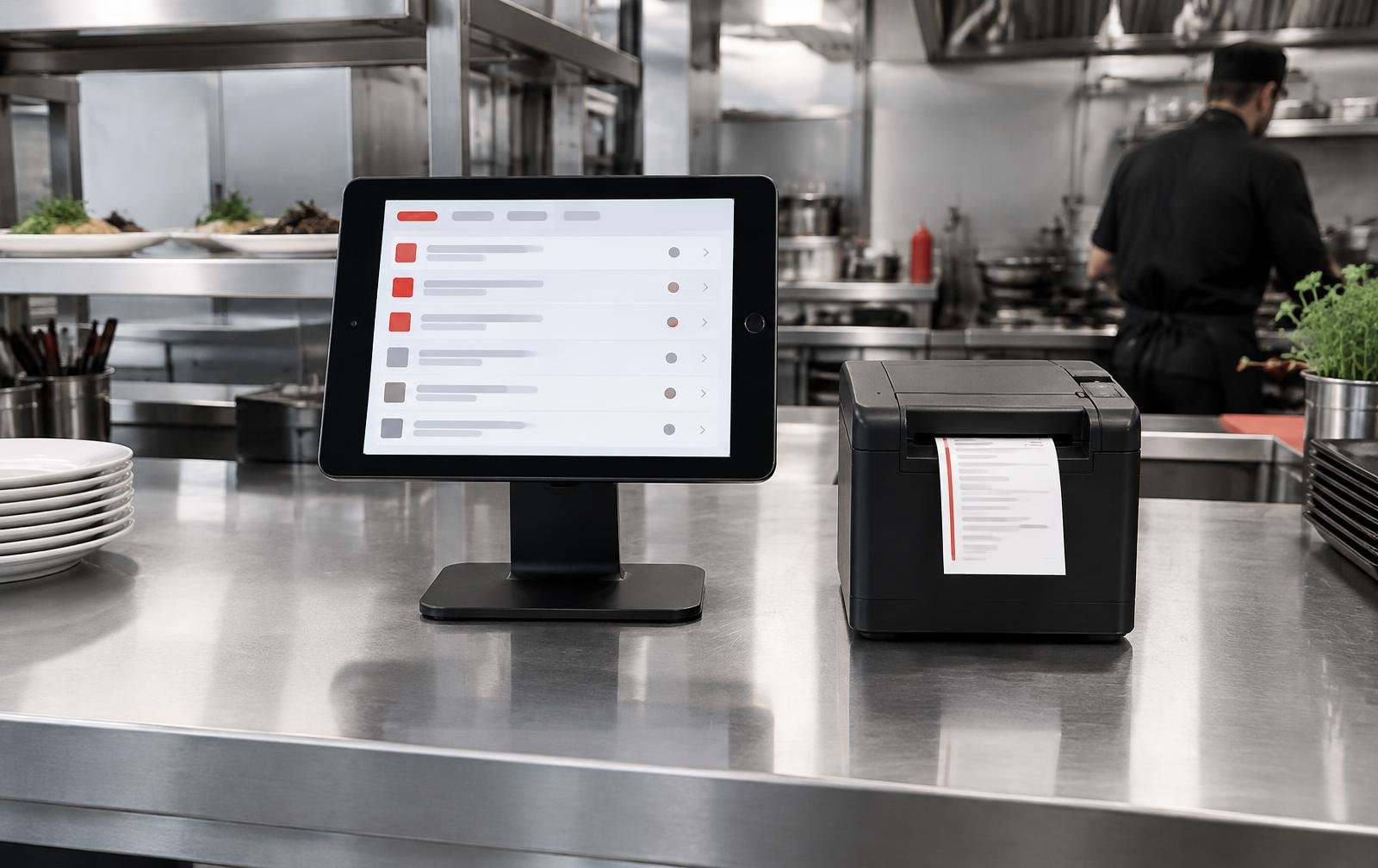
Set delivery distances, separate fees and minimum orders. Then choose how the kitchen receives each paid or confirmed order.
One live order queue
Same menu, modifiers and status
External kitchen printing requires a confirmed compatible network or cloud printer and may need a small local print bridge. Stripe’s Verifone V660p can print supported content through its embedded printer.
Staff phones are for order entry only — they create an order and send it to the kitchen. No card payment is captured on a phone; Tap to Pay and phone checkout are not part of the sold system. Every checkout and card payment is completed at the counter reader.
Packages, not loose parts
Every package includes a smart reader with a customer-facing screen — the customer sees the amount and leaves a tip on the reader, not on your staff's iPad. Hardware estimates are illustrative and purchased separately; we confirm compatibility and the final list before you buy anything.
Illustrative hardware total
$696
Hardware estimate — purchased separately. Taxes, shipping, printer, barcode scanner and accessories are not included.
Second checkout station
Adds one more iPad and one more reader. Reader and iPad models must match your base package.
Retail systems
We build the catalog and inventory workflow around your products, locations and staff—not around a generic retail template.
Products, variants, SKUs and barcode lookup shaped around what you sell.
Online and counter sales reduce the same inventory, with receiving and manual adjustments.
Low-stock alerts, reorder thresholds and a clear history of inventory changes.
Eligible returns and exchanges put items back into stock and preserve the transaction record.
Large catalogs, data migration, multi-location rules and advanced purchasing workflows are scoped before work begins and may require an additional startup estimate.
In-person pricing
Physical POS payments processed through a system we build carry a flat 0.50% Rocket Websites platform fee, regardless of commitment.
Rocket Websites + Stripe
3.20% + 5¢
Estimated combined charge using Stripe’s published standard U.S. in-person rate of 2.7% + 5¢ and our 0.50% fee.
On a $100 in-person card sale
Standard U.S. card illustration only. Stripe sets its rates and eligibility. Cash, a POS we did not build, readers on an unrelated Stripe account, and transactions entered into unrelated software do not carry our fee.
Compare the complete cost of payments, software, website and equipment.
Your Rocket rates
1.75% online · 0.50% in person
Rocket platform fee, plus Stripe processing
Plan charges
$30/month · $150 setup
Website hosting included
Clover: 3.5% + $0.15 online processing · 2.6% + $0.15 in person · $40/month software · $50/month website hosting. Wells Fargo's published Clover processing, $9.95 merchant fee, $29.95 software and Station Solo, plus a separate website. Checked September 25, 2026. Pricing source · Related source
Estimated 3-year savings with the 2 Years plan
$3,779
$1,260 per year on average over 3 years.
Rocket breakdown
Includes $50/month website hosting for Clover, which is included in every Rocket plan.
Estimate only, over 3 years at 4,000 payments a year ($50 average sale). Rocket processing uses Stripe's published rates. Competitor website setup and hosting are comparable-service estimates, not competitor fees. Actual costs vary. Not a savings guarantee.
Equipment
The value iPad recommendation is the 11-inch iPad with A16 and 128GB. An iPad Air or Pro is not needed for this setup.
Customer-facing touchscreen reader for a counter or handheld checkout.
Wi-Fi · optional Ethernet dock
View source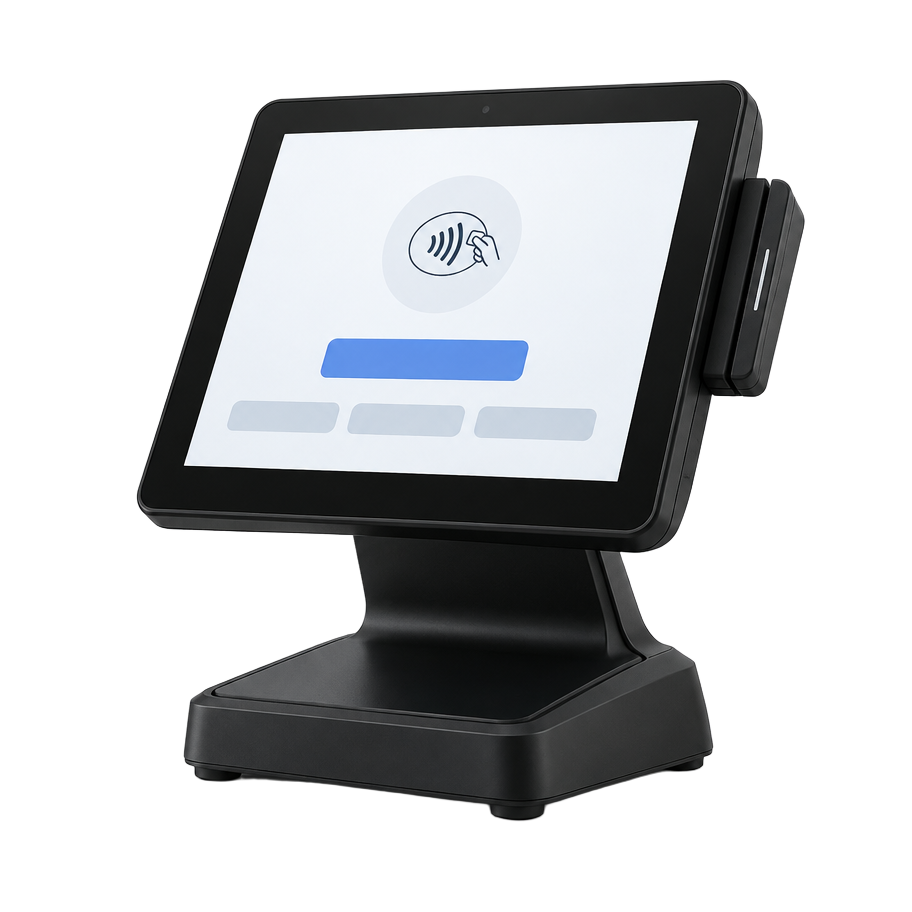
Customizable smart reader with a larger customer-facing screen.
Wi-Fi · optional Ethernet hub
View source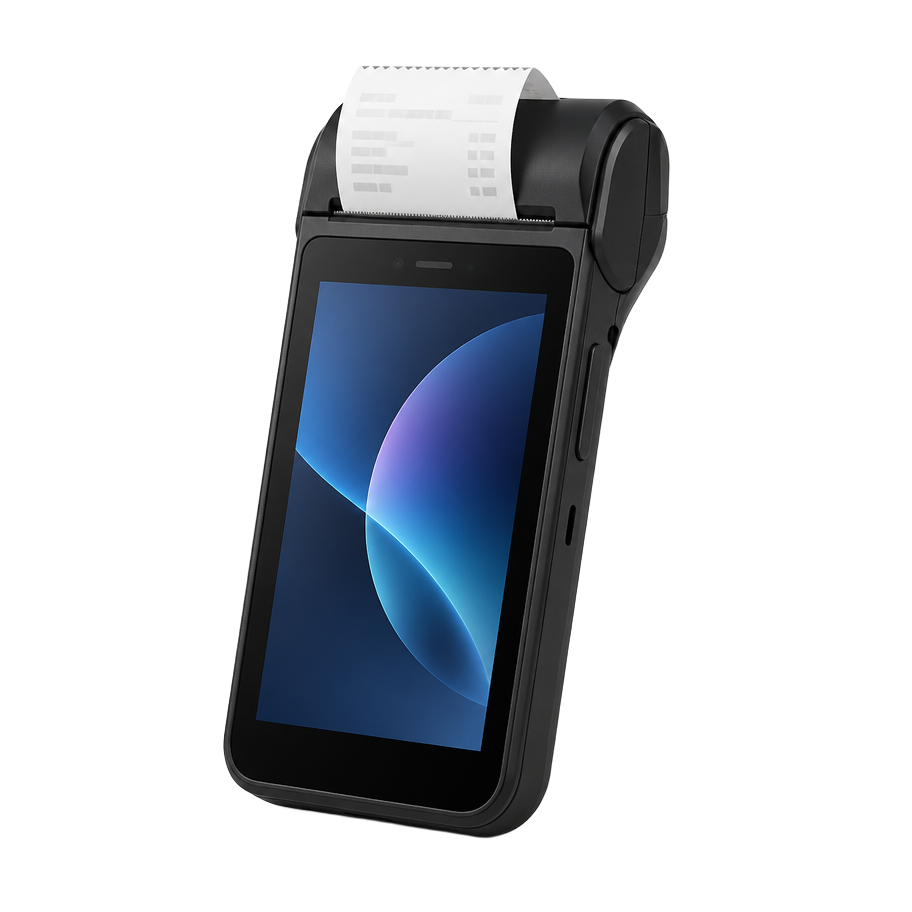
Handheld smart terminal with an embedded thermal printer.
Wi-Fi · Ethernet · Bluetooth accessories
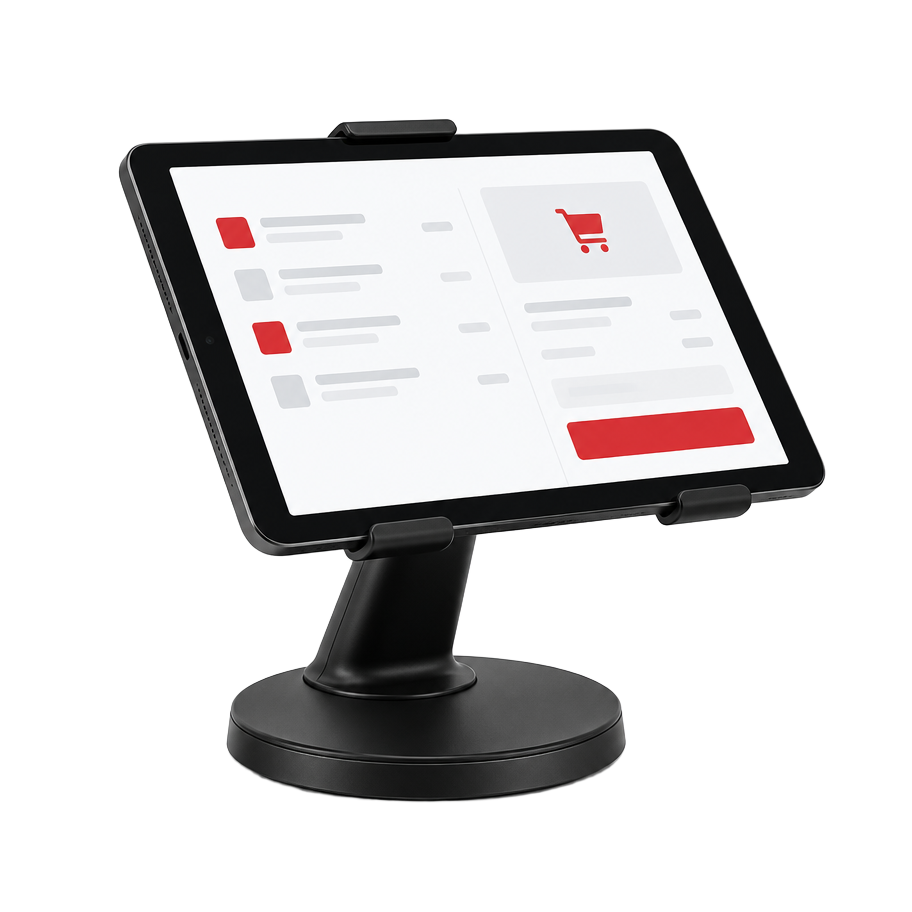
View sourceAffordable 11-inch iPad A16 checkout display on a customer-facing swivel base.
Wi-Fi · counter
View source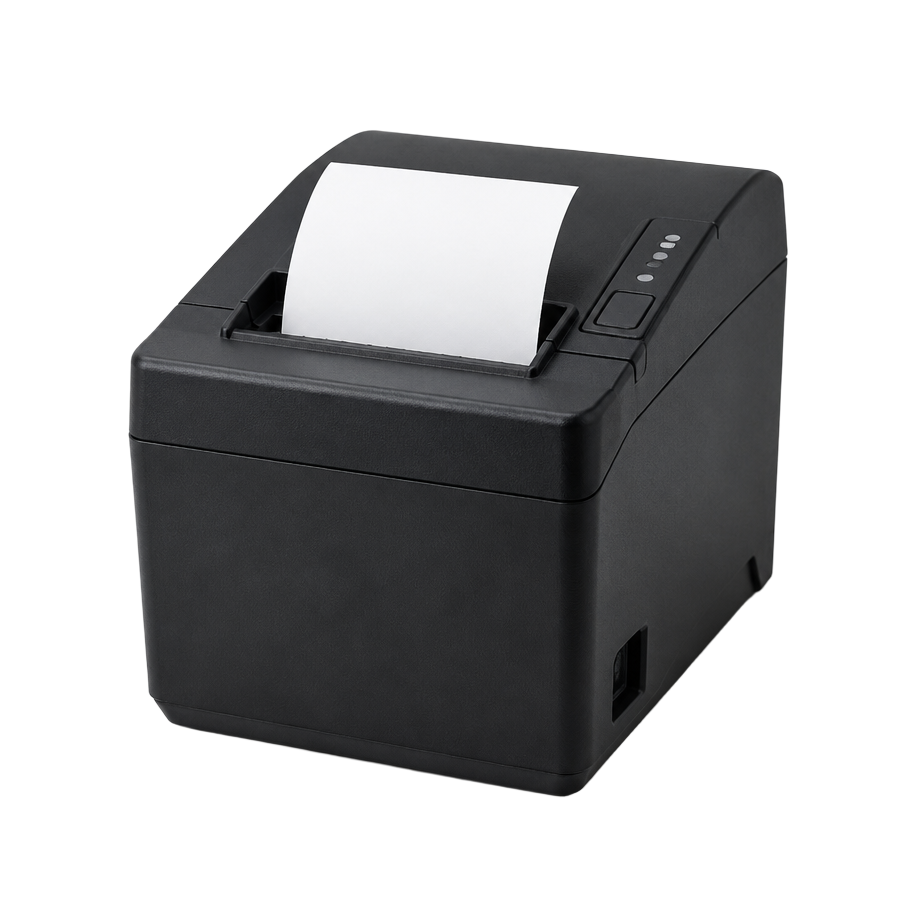
Print customer receipts, kitchen tickets, or both from the connected order flow.
Network or supported local bridge
View sourceHardware prices and availability accessed September 2026. Rocket Websites does not resell or mark up equipment.Apple iPad A16Swivel standStripe printing
Tell us whether you need one register, two, restaurant routing or custom retail inventory. We’ll confirm the exact equipment before you buy it.